

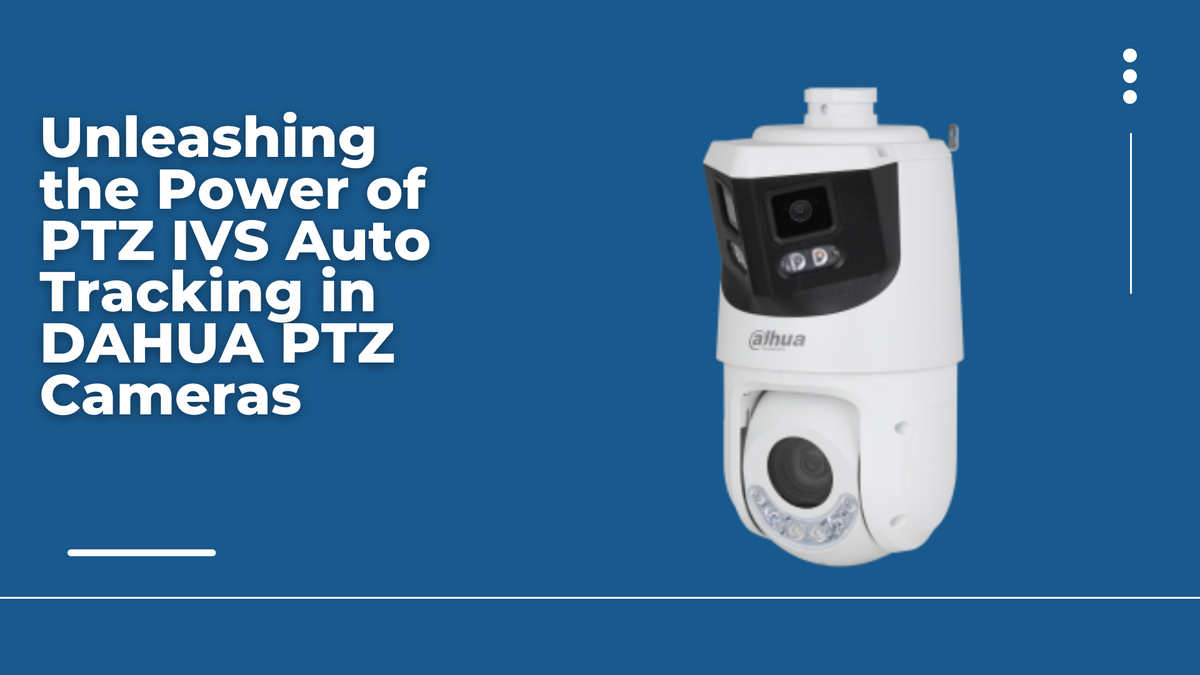
DAHUA PTZ (Pan-Tilt-Zoom) Cameras are at the forefront of video surveillance technology, offering not just high-quality imaging but also intelligent video analytics. One of the standout features of DAHUA PTZ cameras is the PTZ IVS (Intelligent Video Surveillance) Auto Tracking capability. This feature enables the camera to automatically detect, track, and zoom in on moving objects within its field of view. This article will provide an operational overview of the PTZ IVS Auto Tracking function, illustrating how to harness its full potential for enhanced surveillance.

Key Features of PTZ IVS Auto Tracking:
- Automatic Detection: Instantly identifies moving objects in the camera's view.
- Real-time Tracking: Continuously follows the movement Tracking of detected objects.
- Zoom Control: Adjusts the camera's zoom to maintain a clear view of the target.
- Intelligent Analysis: Employs video analytics to differentiate between objects of interest and false alarms.
- Customizable Tracking Rules: Allows users to define specific tracking parameters based on their surveillance needs.
Operational Overview:
Step 1: Access Camera Configuration
- Start by accessing the configuration interface of your DAHUA PTZ camera through the web interface or dedicated control software.
Step 2: Enable PTZ IVS Auto Tracking
- Navigate to the camera's advanced settings or intelligent video analytics section.
- Enable the PTZ IVS Auto Tracking feature by toggling the switch or checking the box.
Step 3: Define Tracking Rules
- Establish the rules for object detection and tracking. This may include setting the sensitivity of motion detection, defining the size of objects to track, and specifying areas of interest within the camera's field of view.
Step 4: Adjust Tracking Sensitivity
- Fine-tune the tracking sensitivity to balance between responsiveness and avoiding false alarms. This setting may be adjusted based on the camera's environment and the typical movement patterns expected.
Step 5: Set Up Response Actions
- Configure the actions the camera should take upon detecting and tracking an object. Common actions include sending alerts, activating recording, or triggering other integrated security systems.
Step 6: Test the Auto Tracking Feature
- Once the settings are configured, perform a test by simulating motion within the camera's view. The camera should automatically detect the movement, start tracking, and zoom in as per the predefined rules.
Step 7: Review and Adjust
- After testing, review the tracking performance. Make any necessary adjustments to the tracking rules or sensitivity settings to optimize accuracy.
Step 8: Save and Apply Configuration
- Once you are satisfied with the tracking setup, save and apply the configuration to the camera.
Conclusion: The PTZ IVS Auto Tracking feature of DAHUA PTZ Cameras is a testament to the convergence of advanced imaging technology and intelligent video analytics. By following the steps outlined in this guide, you can effectively utilize this feature to enhance your surveillance system's capabilities. Whether for perimeter security, traffic monitoring, or public safety, DAHUA PTZ cameras with Auto Tracking ensure that you are alerted and can respond promptly to any significant movement.
Remember, the effectiveness of the PTZ IVS Auto Tracking feature relies on proper configuration and periodic review of the settings to adapt to changes in the surveillance environment. With DAHUA PTZ cameras, you are equipped with a powerful tool that not only observes but also intelligently analyzes your surroundings.


