

CCTV-MALL / EQUIPMENT & SOLUTIONS
Interactive Whiteboards
Choose display and control equipment around the operator’s workflow. Compare input compatibility, viewing layout and installation requirements.
Plan the system. Choose the model.
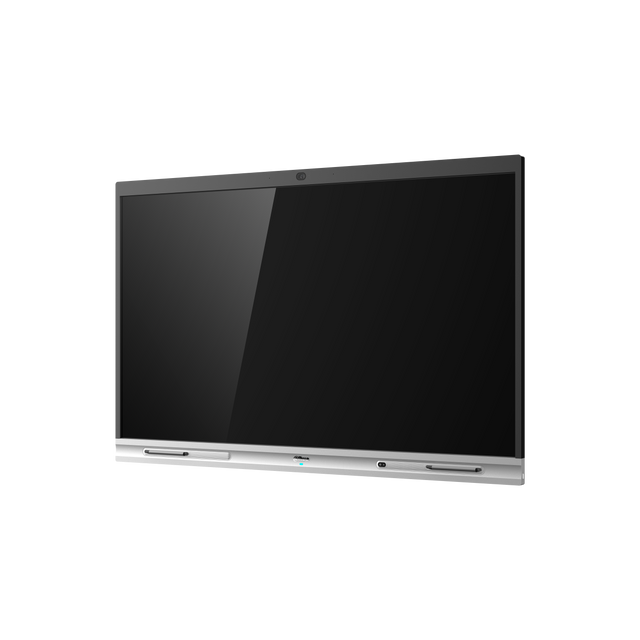
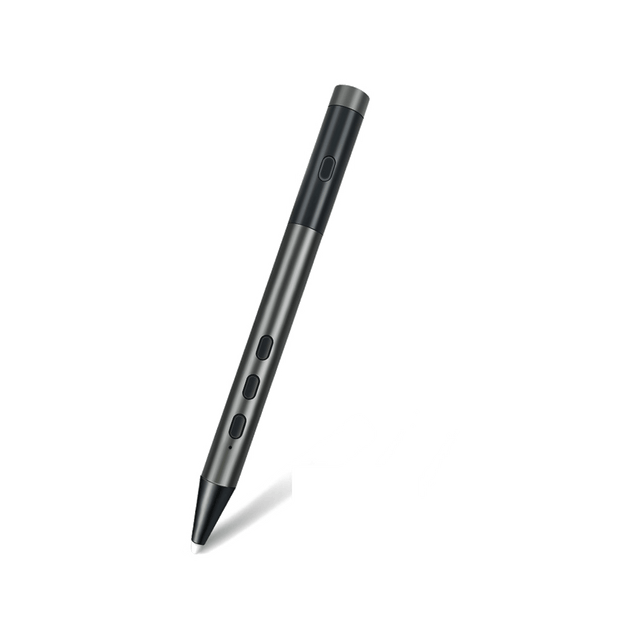
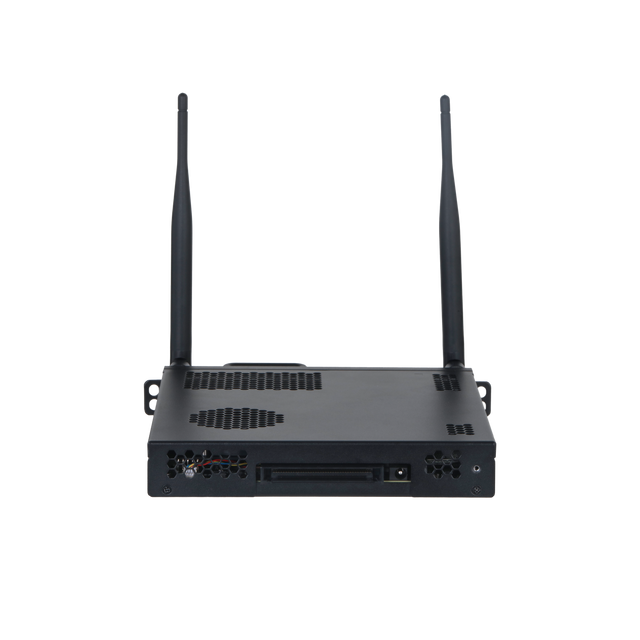
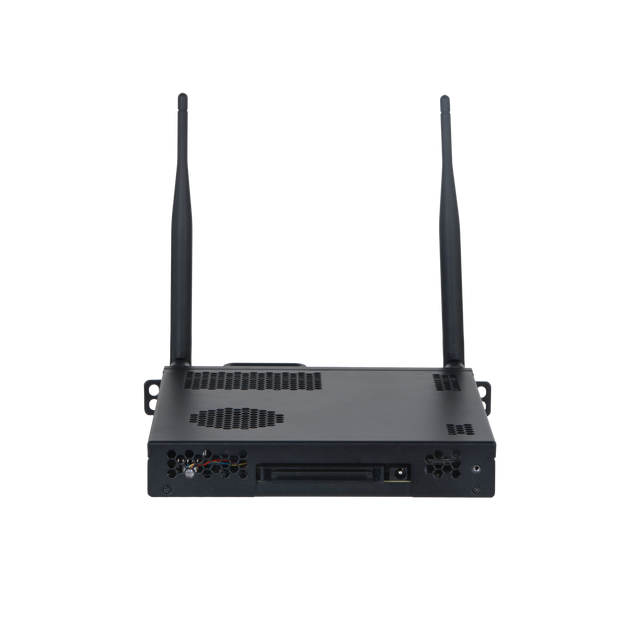
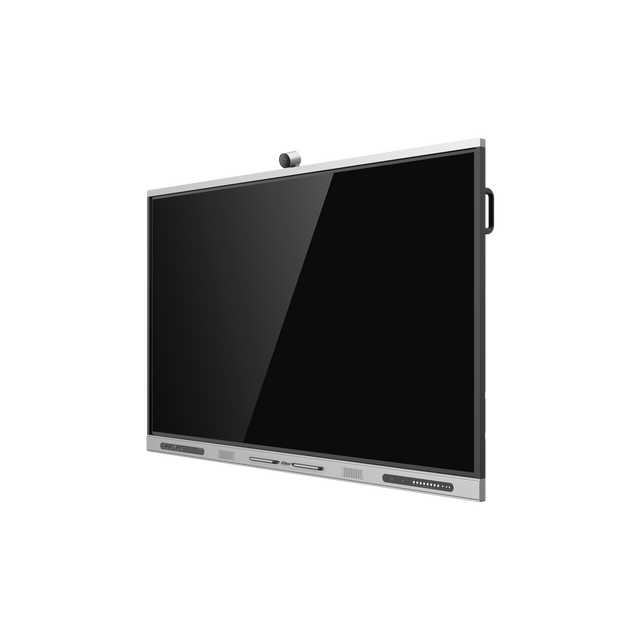
Showing 25–29 of 29 products. Compare exact model specifications before ordering.
0 models selectedChoose up to 3 to compare.
A BETTER STARTING POINT
Four checks. A clearer shortlist.
Use your site requirements to compare the details that matter.
Map the sources
List recorders, workstations and other inputs that need to be displayed.
Define the layout
Decide how many views need to be visible at the same time.
Check connections
Verify supported interfaces, resolutions and control functions.
Plan the installation
Review mounting, available space, power and access for maintenance.
PRACTICAL READING
From selection to setup.

TECHNICAL GUIDE
Dahua Live View Black in the Browser? Codec Fix Guide
Read the guide ↗
TECHNICAL GUIDE
Dahua Intelligent Inspection Solution: Revolutionizing Industrial and Infrastructure Monitoring
Read the guide ↗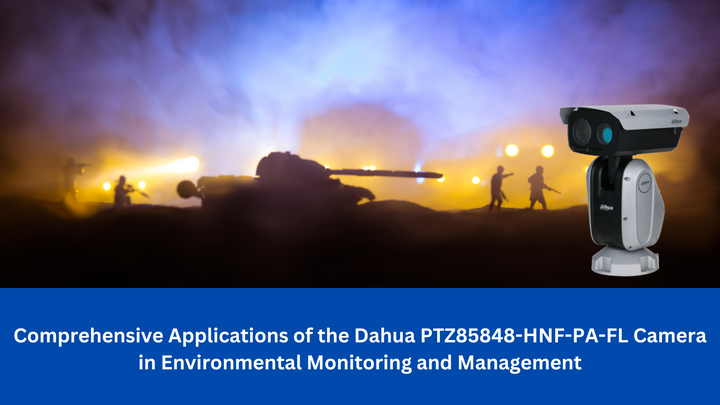
TECHNICAL GUIDE
Comprehensive Applications of the Dahua PTZ85848-HNF-PA-FL Camera in Environmental Monitoring and Management
Read the guide ↗FROM SHORTLIST TO SYSTEM
Let’s work through your project.
Share your models, quantities and installation requirements. We’ll help you check the details before you order.