

A GOOD PLACE TO START
CCTV-MALL / Technical guides
Set it up. Get it working.
Configuration walkthroughs, recording workflows and technical explanations for the people who install and maintain surveillance systems.
Connect & configure
Find the right configuration walkthrough.
Record & review
Explore storage and recording guidance.
Resolve a symptom
Start with the problem you can observe.
EXPLORE THE LIBRARY
Technical guides
99 articles in this section

Understanding IPC Snapshot Settings: A Comprehensive Guide
In the realm of security and surveillance, the ability to capture clear and timely snapshots is crucial. Dahua's Intelligent Public Cameras (IPCs) offer advanced snapshot settings that...
Open the guide
DAHUA NETWORK CAMERAS: Setting Up NAS Storage for Seamless Recording
Network-Attached Storage (NAS) offers a robust solution for recording management in DAHUA Network Cameras, providing a centralized and accessible storage system over the network. This guide will...
Open the guide
DAHUA NETWORK CAMERAS: Configuring SD Card Storage and Overwrite Settings
DAHUA Network Cameras offer versatile recording options, including the ability to record directly to an SD Card. This feature provides an additional layer of data security and...
Open the guide
DAHUA NETWORK CAMERAS: A Comprehensive Guide to Setting Up HTTPS (SSL)
Securing your DAHUA Network Cameras is paramount for protecting sensitive data and maintaining the integrity of your surveillance system. Implementing HTTPS access ensures encrypted communication between your...
Open the guide
A Step-by-Step Guide to Setting Up NAS Storage for Dahua Cameras
Network Attached Storage (NAS) is an essential component for modern surveillance systems, providing a centralized and scalable storage solution. Dahua cameras, known for their high-quality imaging, can...
Open the guide
DAHUA NETWORK CAMERAS: Enabling H.264 Codec for Seamless Integration
The advent of H.265 cameras has brought about significant improvements in video surveillance technology, including enhanced image quality and bandwidth efficiency. However, if your H.265 camera is...
Open the guide
DAHUA Cameras: A Step-by-Step Guide to Mounting DOME and Bullet Cameras
When it comes to enhancing security with DAHUA Cameras, knowing how to mount and install your DOME and Bullet cameras correctly is essential. This guide will provide...
Open the guide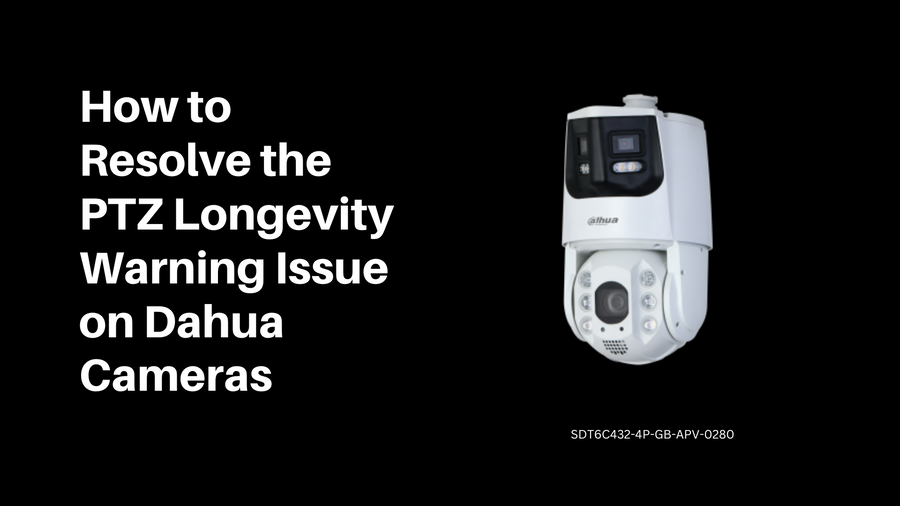
How to Resolve the PTZ Longevity Warning Issue on Dahua Cameras
Dahua Technology's PTZ (Pan-Tilt-Zoom) cameras are advanced surveillance tools offering extensive motion and zoom capabilities. However, users may occasionally face a PTZ longevity warning, which can...
Open the guide
A Comprehensive Guide to Setting Up Your Dahua NVR
In the realm of security and surveillance, Dahua NVRs (Network Video Recorders) stand out for their robust performance and advanced features. As the heart of an IP-based...
Open the guide
Setting Up Dahua IP Cameras Without an NVR: A Comprehensive Guide from the Community
Dahua IP cameras are renowned for their high-quality surveillance capabilities, and setting them up without a DAHUA Network Video Recorder (NVR) is a common practice for many...
Open the guide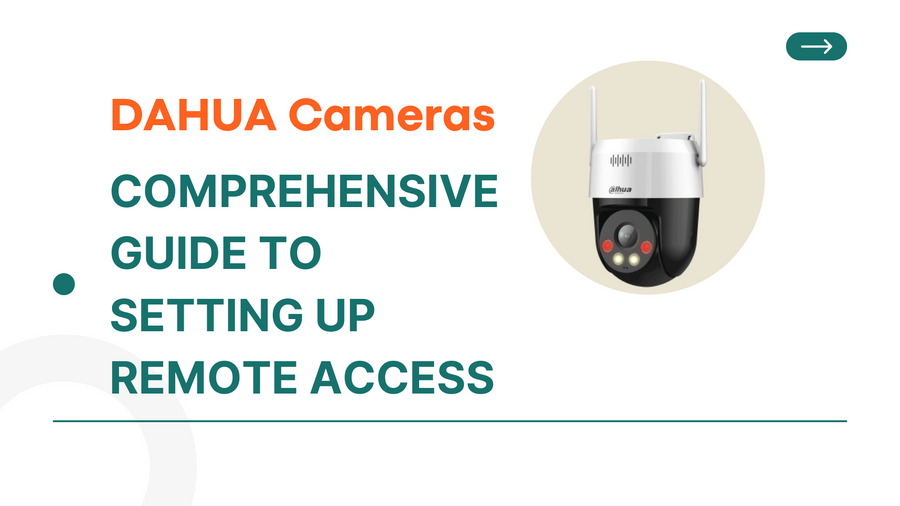
DAHUA Cameras: A Comprehensive Guide to Setting Up Remote Access
Learn how to set up remote access for your DAHUA IP Cameras with this comprehensive guide. Monitor your home or business from anywhere in the world and...
Open the guide
DAHUA IP Camera: A Comprehensive Guide to Safe Installation and Setup
Learn the essential safeguards and best practices for installing your DAHUA IP Camera. This comprehensive guide ensures a safe, efficient setup to maximize device longevity and performance.
Open the guideCheck the exact model and firmware documentation before applying a configuration or choosing equipment.
READ. PLAN. SPECIFY.
Take the next step with the details.
Share your equipment shortlist, quantities and project requirements.